IoT and connected devices
Devices without a keyboard still need sign-in, and devices in the field still need credentials. LumoAuth provides the device authorization flow for screens, workload identity for gateways, per-device token lifetimes and instant revocation.
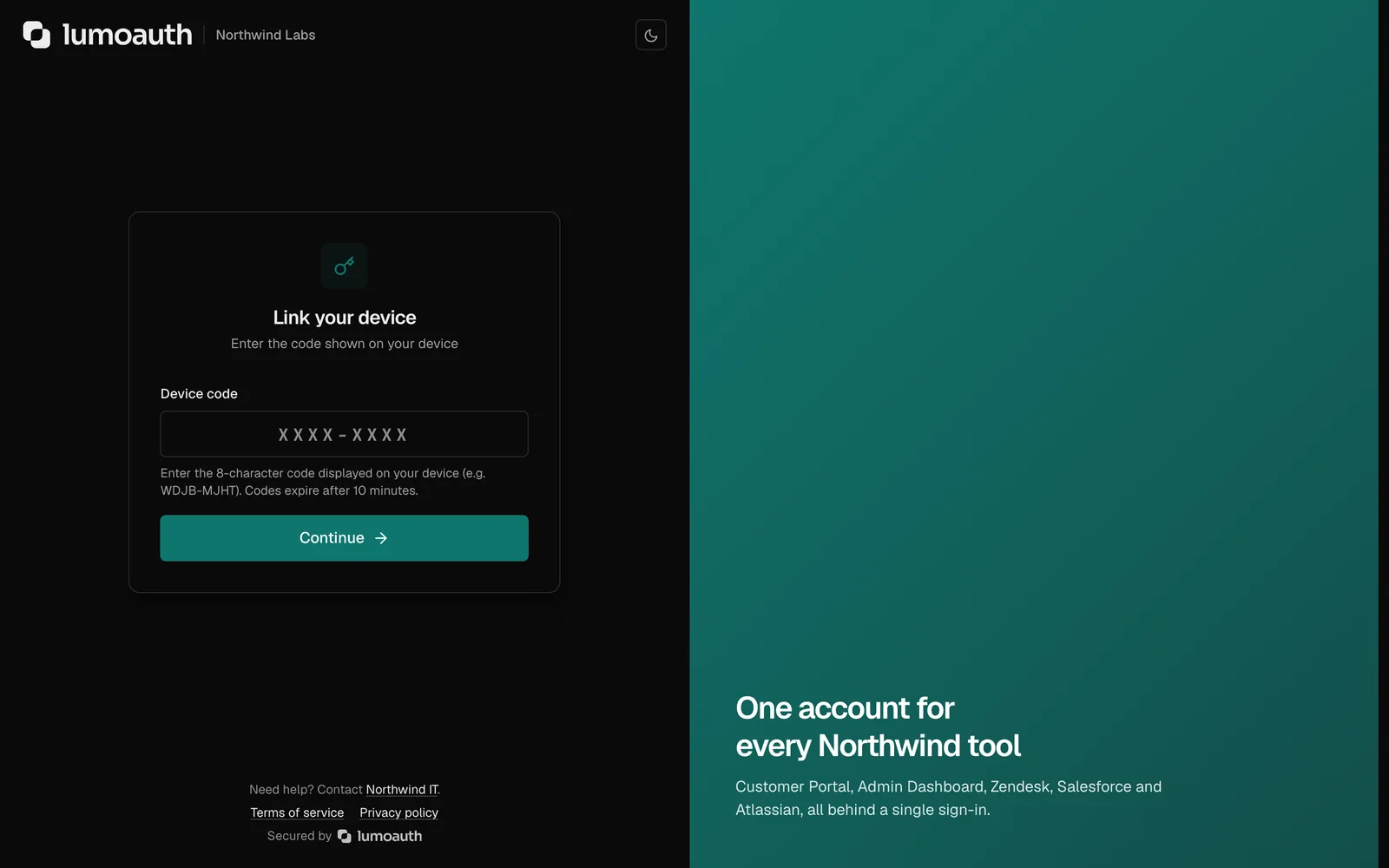
Typing a password with a remote control
Devices either ship with shared credentials or ask the user to type on a terrible keyboard. Lost devices keep working.
How LumoAuth solves it
Device authorization flow
The device shows a code or a QR; the user confirms on their phone. Docs
Edge workload identity
Gateways attest with a platform identity or a SPIFFE SVID; no baked-in secret. Docs
Per-device tokens and rotation
Token lifetimes per application, refresh rotation with reuse detection. Docs
Revocation everywhere
Revoke a device's session and tell every service through a security event. Docs
Companion app approval
The LumoAuth app approves sign-ins for headless devices. Docs
Setting it up
Create a device client
Implement the code screen
Register gateways with workload identity
Standards involved
Plain names on the left, the specification on the right. The full map is in the standards reference.
- Device authorization
- RFC 8628
- Workload identity
- SPIFFE JWT-SVID
- Security events
- OpenID CAEP
Which plan you need
Device flow and token management are on every plan. Cloud and SPIFFE workload identity is an add-on on Pro and included in Business; shared signals are on Business.
Documentation
Ship passwordless sign-in this week. Put guardrails on your agents today.
The Developer plan is free for 10,000 monthly users and ten agents, with no card. Everything speaks open standards, so moving in or out is a config change.