Enterprise SSO
Enterprise single sign-on is the first line of every security questionnaire. LumoAuth connects to any SAML 2.0 or OpenID Connect identity provider with presets for the common ones, maps their groups to your roles, and can also act as the identity provider for the applications your users need.
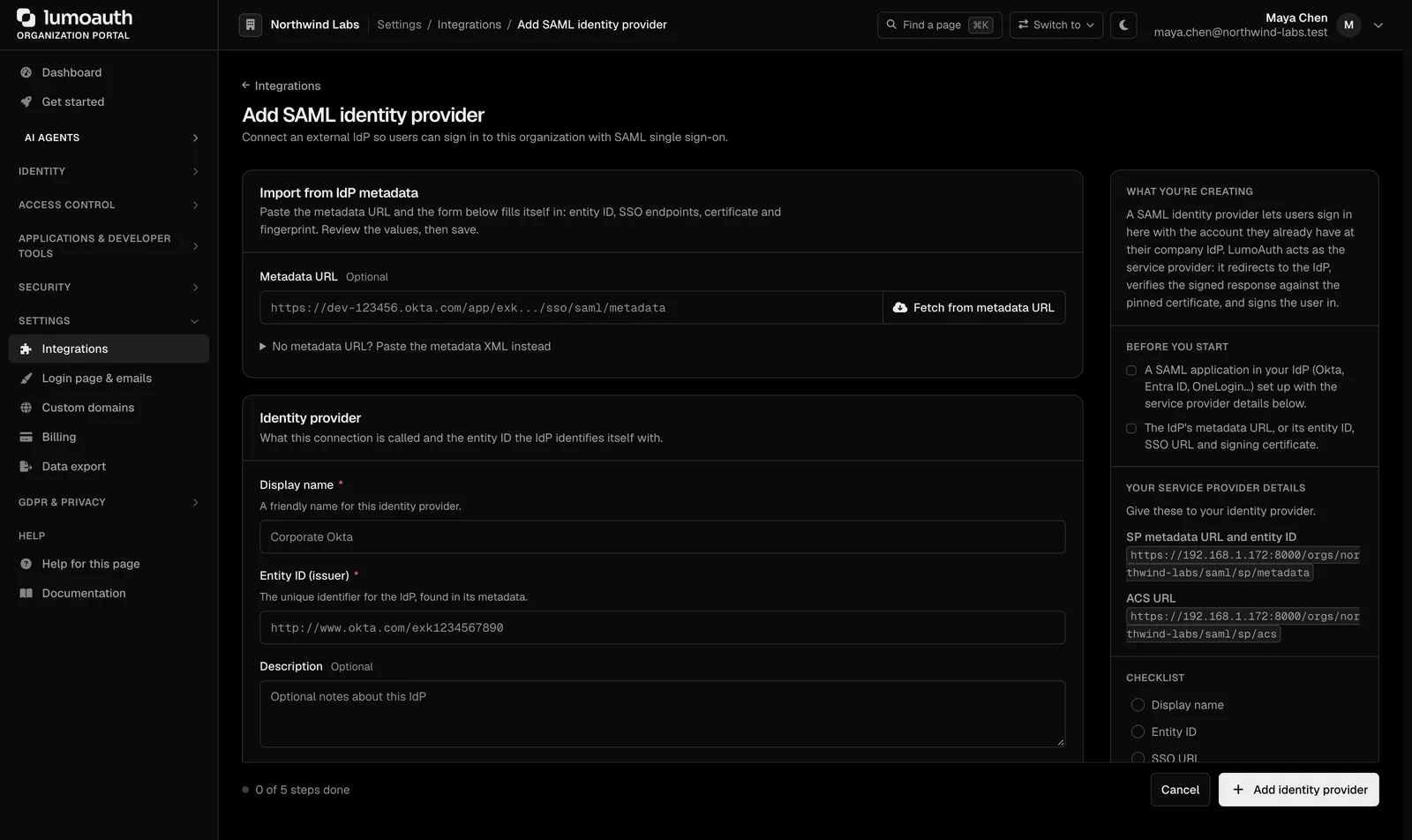
"Do you support SSO?" should never be answered with "soon"
SAML has certificates, clock skew, audience values and NameID formats, and each identity provider has its own quirks. Building and testing it per customer is slow and error-prone.
Then the customer asks the reverse: can your product sign them into Salesforce or Slack?
How LumoAuth solves it
Inbound SAML and OpenID Connect
Add a connection per customer. Presets for Okta, Microsoft Entra ID, Google Workspace and others fill in the right values; paste metadata or a discovery URL for the rest. Docs
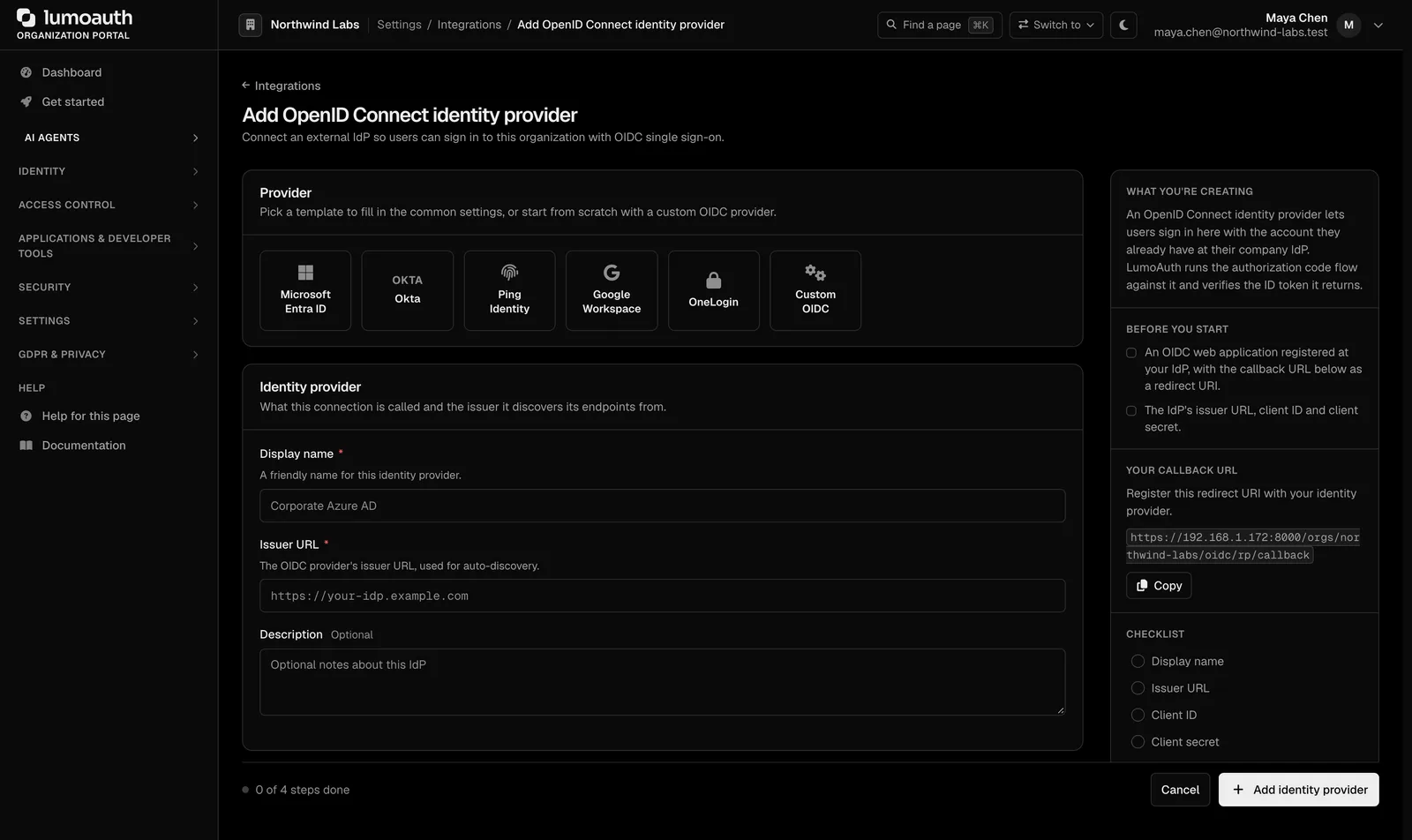
Claims to roles
Map the groups and attributes the provider sends to your roles and groups. New users are created on first sign-in with the right access. Docs
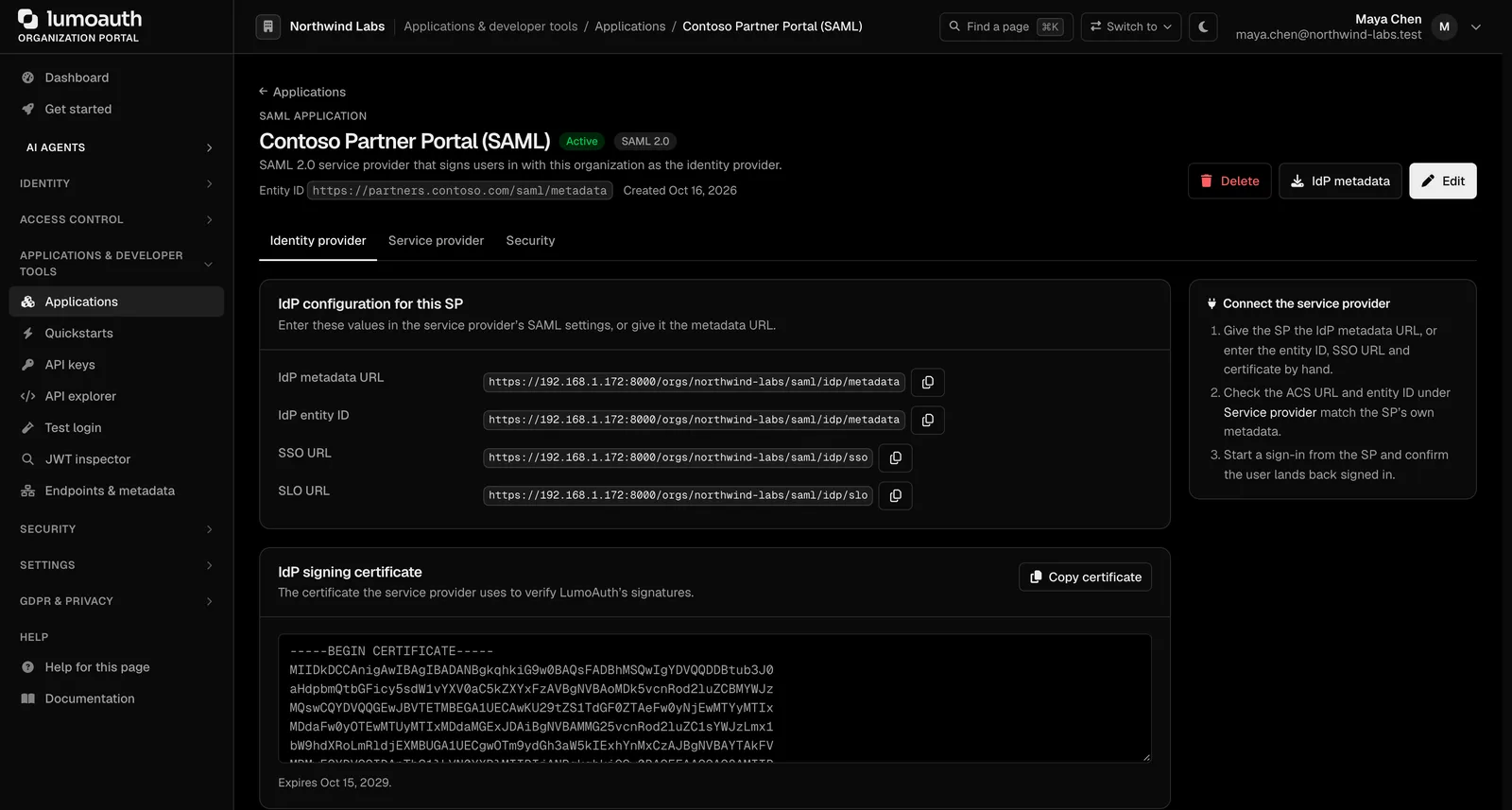
LumoAuth as a SAML identity provider
Register Salesforce, Box, Slack or any SAML service provider and sign your users into it with LumoAuth. Docs
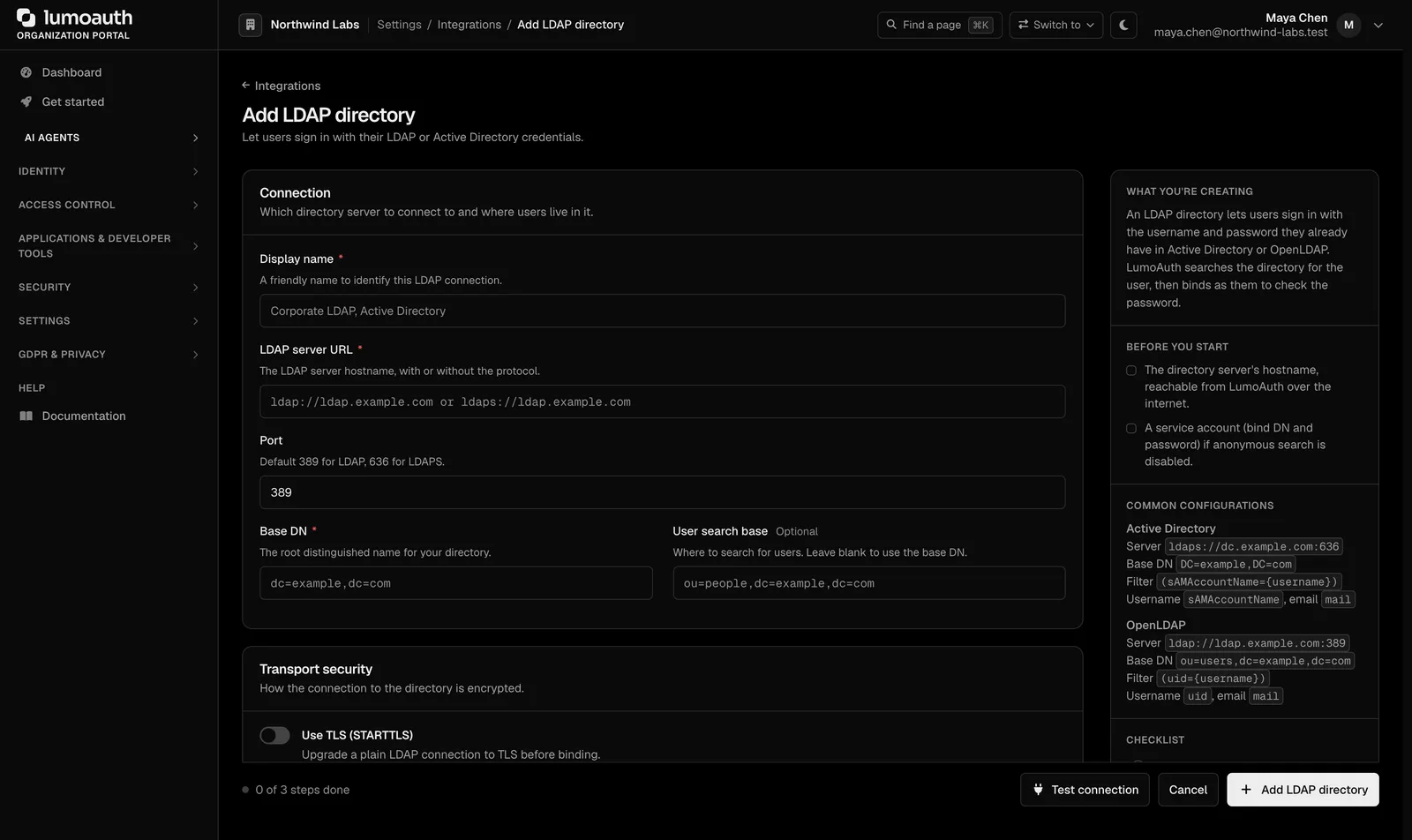
LDAP and Active Directory
Authenticate against an on-premises directory over TLS as a primary or fallback source. Docs
Test without touching production
Use the test login tool to run a connection end to end and see the assertion before enabling it for users. Docs
Home realm discovery
With email-first login, a user from acme.com is sent to Acme's identity provider automatically. Docs
Setting it up
Add the connection
Settings → Integrations → Enterprise SSO. Pick the preset for the customer's provider.
Exchange metadata
Send the customer your metadata URL; paste theirs. Choose the NameID format and signing options.
Map groups to roles
For example: the "Finance" group in Okta becomes the finance role in your app.
Enable for the organization
Optionally require SSO for everyone in that organization.
Standards involved
Plain names on the left, the specification on the right. The full map is in the standards reference.
- SAML 2.0
- OASIS SAML 2.0, identity provider and service provider
- OpenID Connect
- OIDC Core and Discovery
- LDAP
- RFC 4513
- Logout
- OIDC front-channel and back-channel logout
Which plan you need
One enterprise connection is included on Developer and Pro, ten on Business, with a per-connection overage above that. Acting as a SAML identity provider is a $99/month add-on on Pro and included in Business. LDAP is on Business.
Documentation
Questions
Can each customer use a different provider?
Do you handle certificate rotation?
Can I list my app in the Okta Integration Network?
Ship passwordless sign-in this week. Put guardrails on your agents today.
The Developer plan is free for 10,000 monthly users and ten agents, with no card. Everything speaks open standards, so moving in or out is a config change.