Account takeover prevention
Most sign-ins are fine. Adaptive security scores each one on where it comes from, which device, how fast it moved and what the account usually does, then lets it through, asks for a second factor or blocks it. Your users see friction only when something is off.
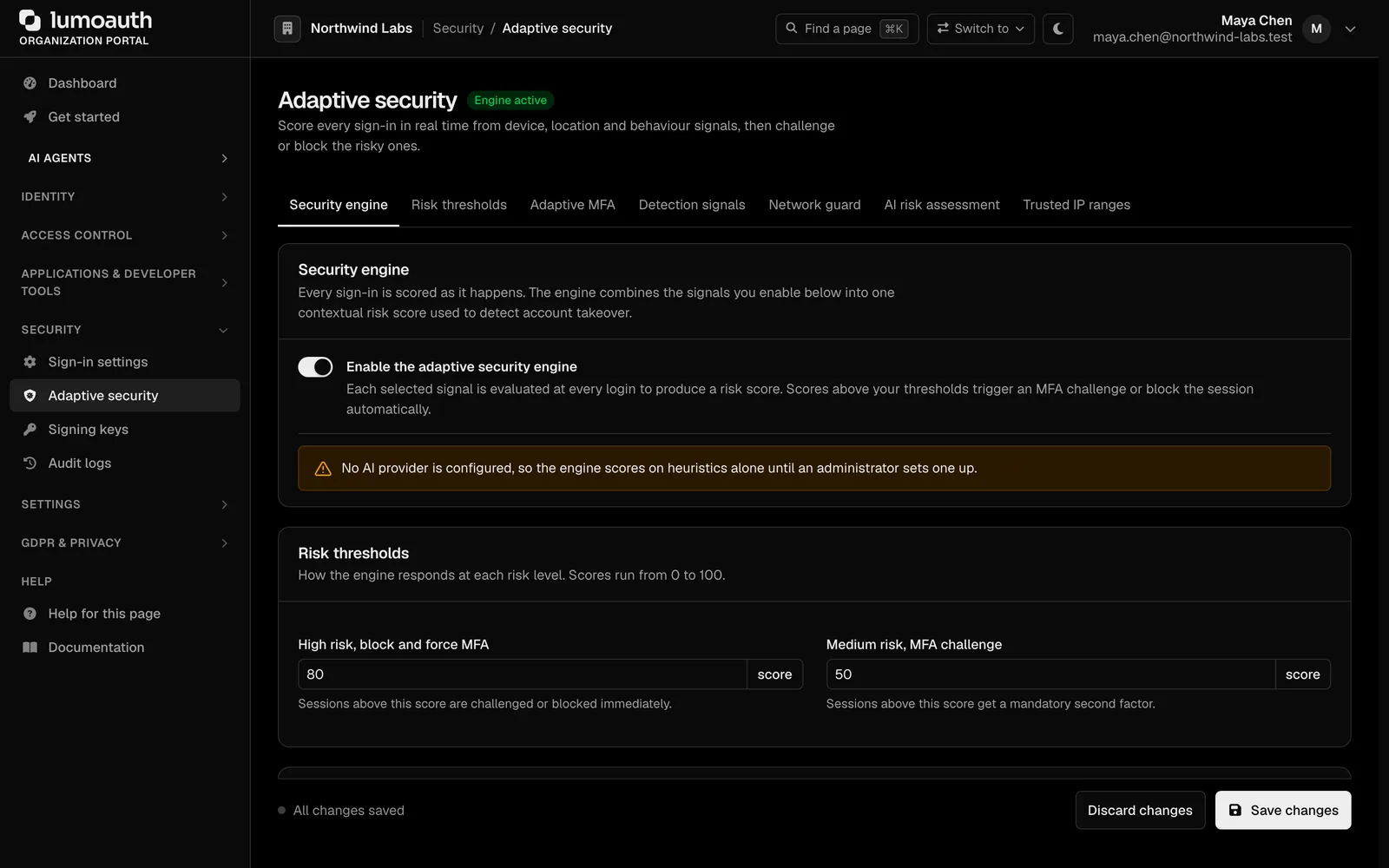
Always-on MFA annoys users; no MFA invites takeover
Forcing a code on every login pushes people to weaker products. Skipping it means one leaked password is enough. Bots and credential-stuffing tools make the second option untenable.
How LumoAuth solves it
Basics on every plan
Account lockout, rate limits on every endpoint, breached-password checks against Have I Been Pwned, CAPTCHA with Cloudflare Turnstile, hCaptcha or reCAPTCHA, and login-velocity signals. Docs
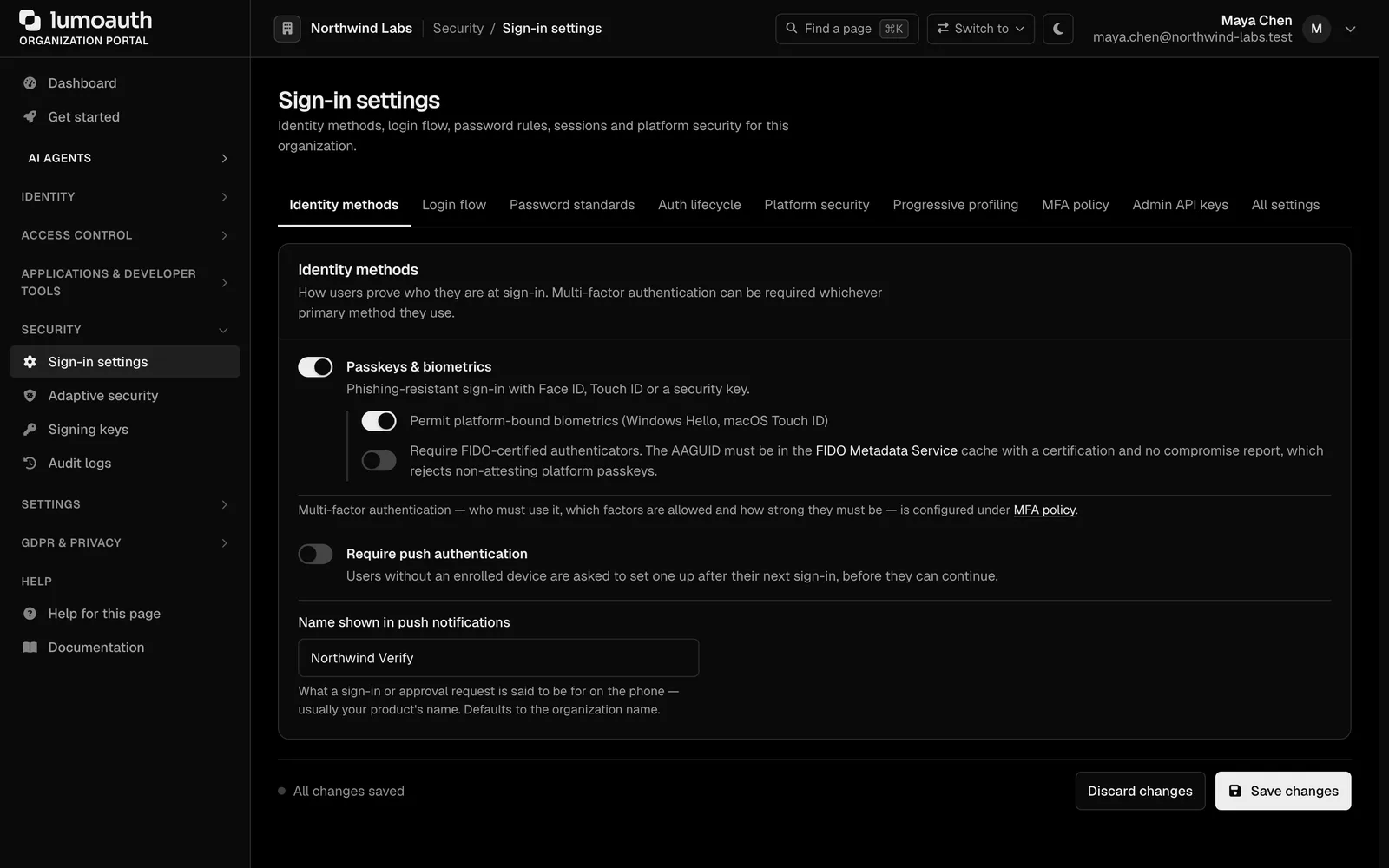
Risk signals
Impossible travel, new country, new device, VPN, proxy, Tor and hosting networks, unusual network owner, and behaviour that differs from the account's history. Docs
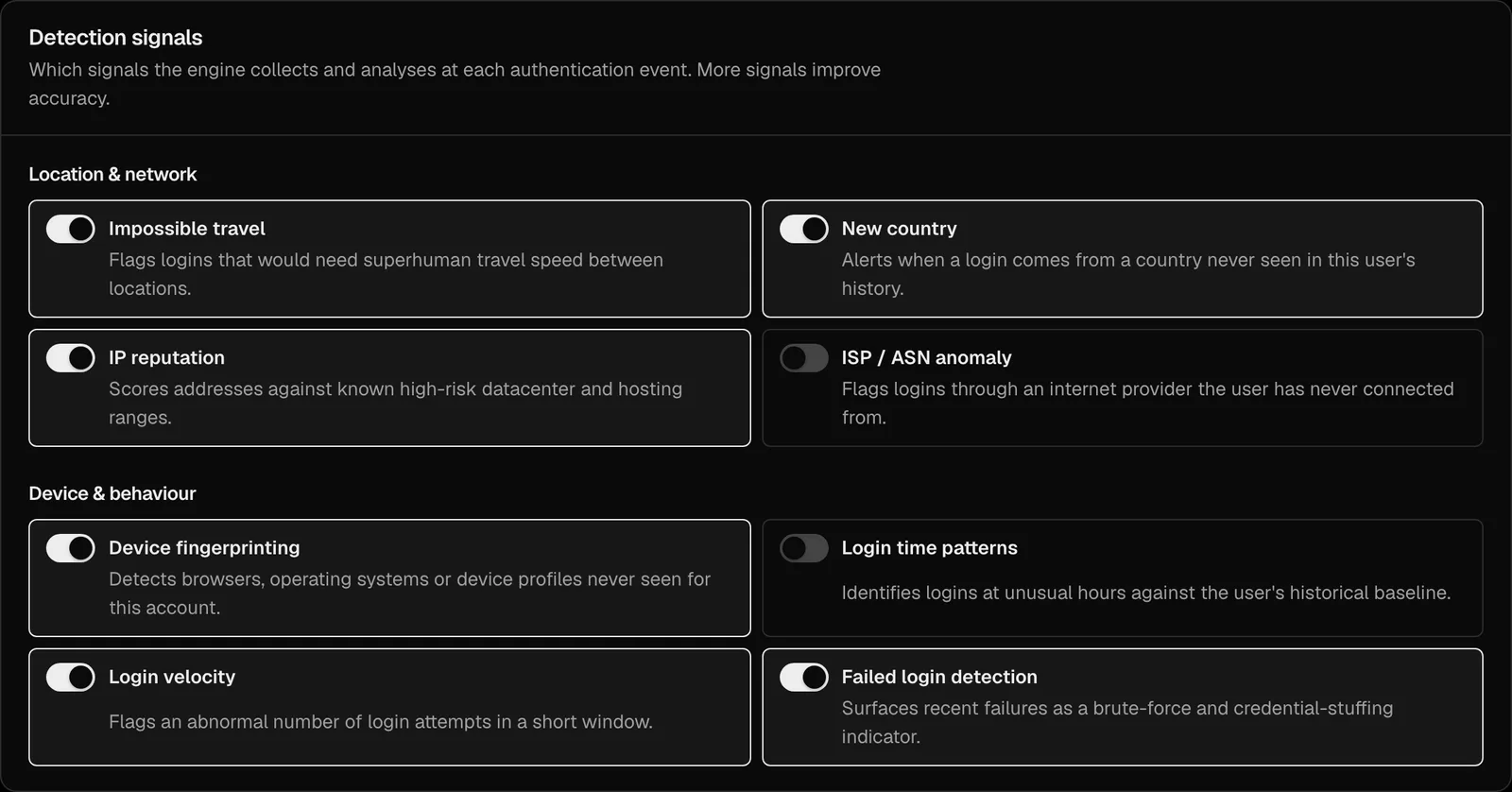
Risk policy you can tune
Decide what score allows, challenges or blocks. Trusted office networks can skip checks. See every decision on the dashboard. Docs
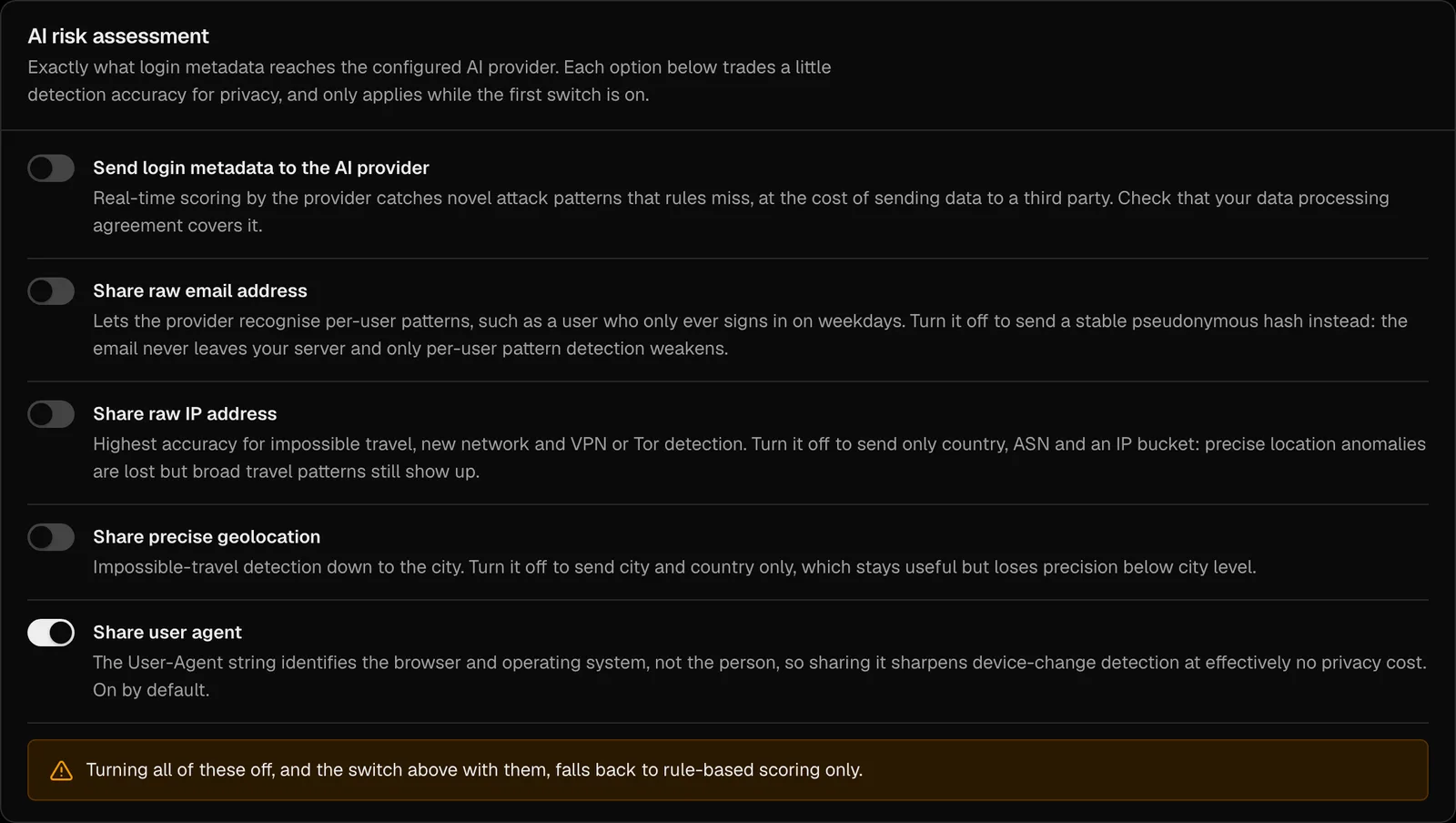
A plain-language explanation
The AI writes a short summary of why a sign-in was risky, so an analyst does not have to read raw signals. Docs
Campaign detection and automated response
Threat Detection spots credential-stuffing waves, replayed tokens, session anomalies and strange agent behaviour, and can lock accounts, revoke sessions or require re-enrollment automatically. Docs
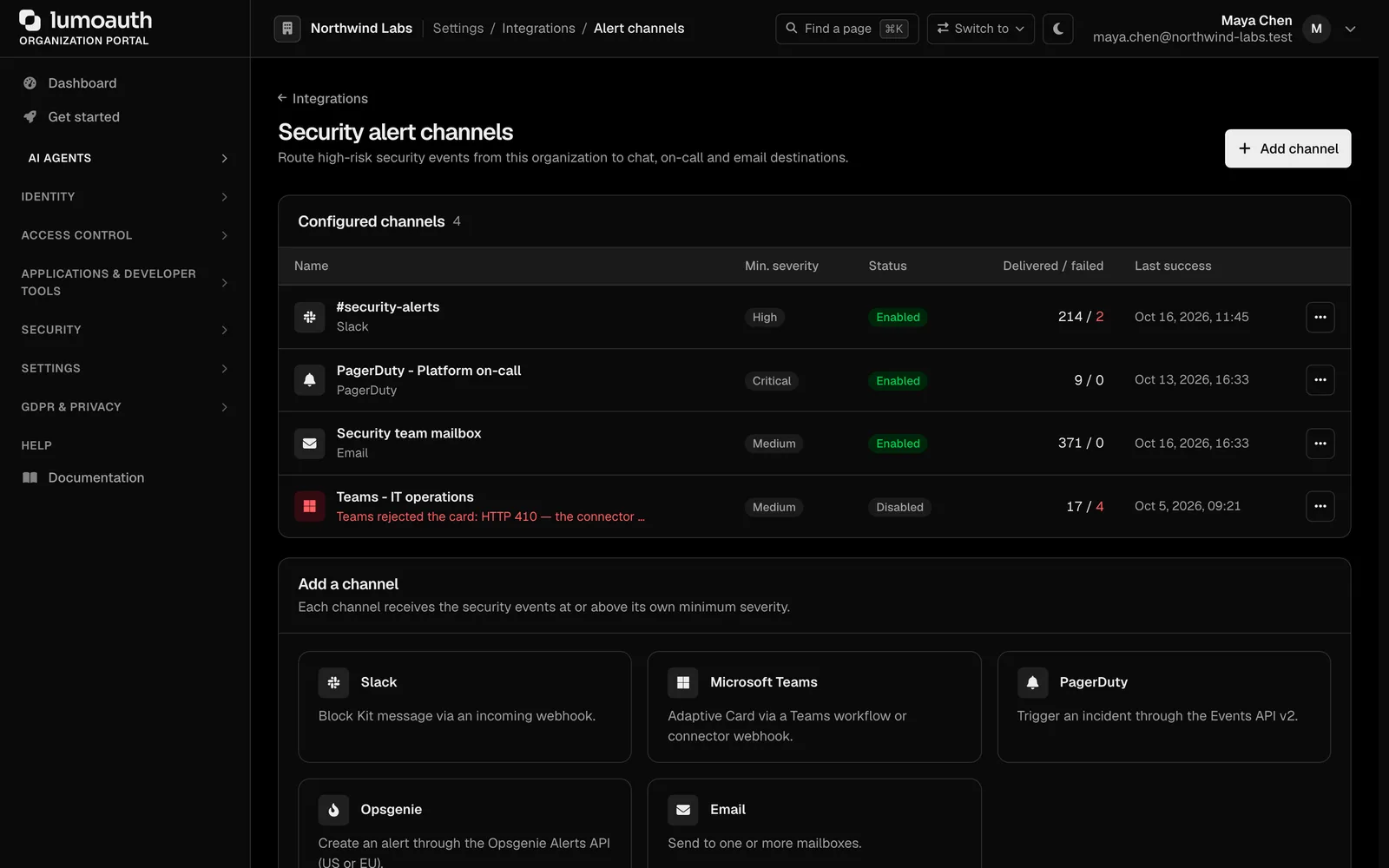
Alerts where your team is
High-risk events go to Slack, Microsoft Teams, PagerDuty, Opsgenie or email. Docs
Setting it up
Turn on the basics
They are on by default: lockout, rate limits and breached-password checks. Add a CAPTCHA provider if you see bots.
Start the Fraud Shield trial
Fourteen days, no card, on any plan. Watch the risk dashboard before changing anything.
Tune the policy
Set the challenge and block thresholds, add trusted networks.
Connect alerting
Route critical events to the channel your on-call uses.
Standards involved
Plain names on the left, the specification on the right. The full map is in the standards reference.
- Step-up challenge
- RFC 9470
- Security events
- RFC 8417, OpenID RISC and CAEP
- Password checks
- Have I Been Pwned k-anonymity API
Which plan you need
Lockout, rate limits, breached-password checks, CAPTCHA and login-velocity signals are on every plan. Fraud Shield (full risk engine, device fingerprinting, managed IP reputation, tunable policy) is a $49/month add-on on any plan with a 14-day trial. Threat Detection is a $199/month add-on on Business. Alert channels are included in Business.
Documentation
Questions
Where does IP reputation come from?
Does this apply to AI agents too?
Will legitimate travellers get blocked?
Ship passwordless sign-in this week. Put guardrails on your agents today.
The Developer plan is free for 10,000 monthly users and ten agents, with no card. Everything speaks open standards, so moving in or out is a config change.